
Professional Accessibility

ADA Website Compliance Built for Real People

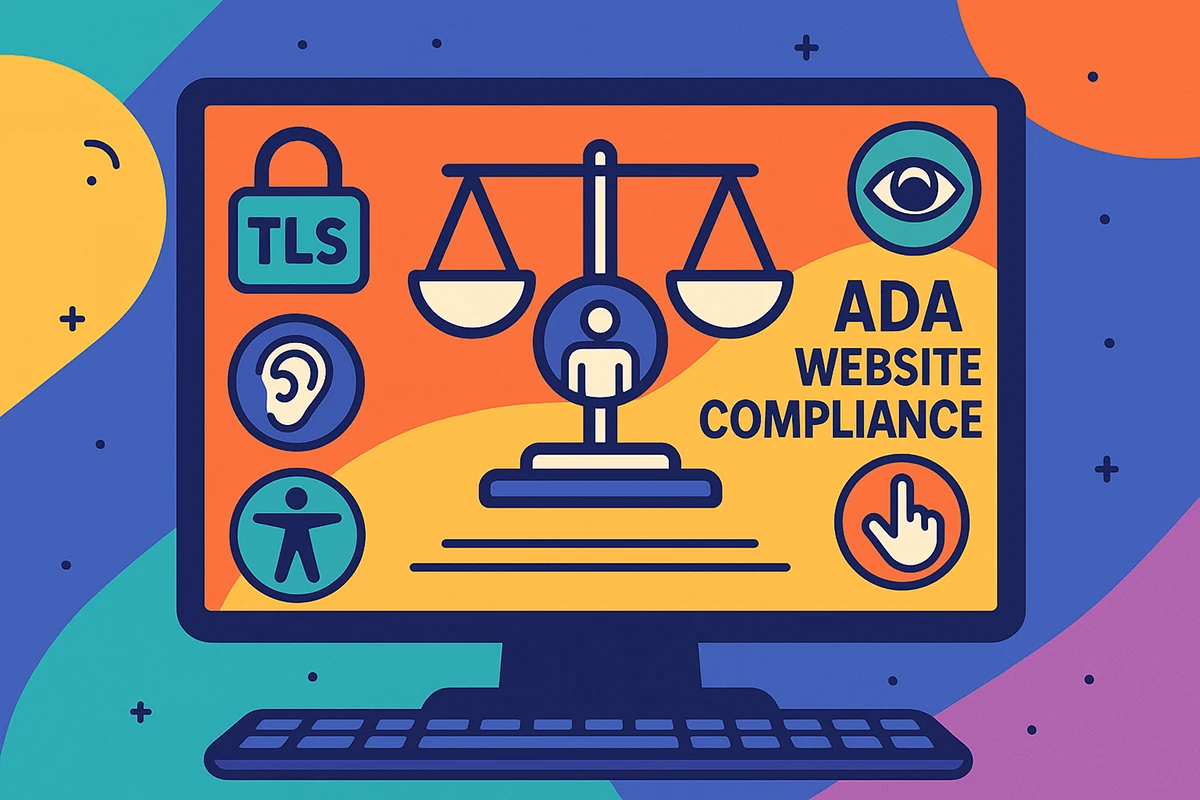
ADA Website Compliance combines WCAG guidance, manual testing, and source-level improvements to make your website easier to navigate, understand, and use.

Modern ADA website compliance testing lab with desktop, tablet, and mobile screens
Accessibility testing across devicesKeyboard, contrast, structure, media, and responsive behavior

A Better Standard for the Web

ADA Website Compliance Is a Better Way to Build

ADA Website Compliance is not a badge, a one-time scan, or a script placed over an inaccessible website. Instead, it is the ongoing work of removing barriers so more people can complete important tasks, including finding information, reading content, navigating menus, submitting forms, watching video, purchasing products, and contacting your organization.

The strongest accessibility work begins with the website itself. Semantic HTML gives assistive technology useful structure, while keyboard support lets people move through links and controls without a mouse. Sufficient contrast keeps important content legible, and clear instructions reduce confusion. Captions and transcripts also make media more flexible. Responsive layouts preserve meaning when text is enlarged or a page is viewed on a narrow screen.

Automated tools can discover certain technical failures, but they cannot judge the full experience. For example, a scanner may identify a missing alternative-text attribute without deciding whether the replacement text communicates the purpose of an image. It may confirm that a form field has a label while missing an unclear error message or a keyboard trap inside a popup. That is why our process combines automated analysis with hands-on review.

For Minnesota businesses, professional practices, healthcare organizations, online stores, nonprofits, and public-facing services, accessibility can strengthen far more than risk management. Clearer interfaces reduce friction, better structure supports search visibility, and predictable navigation helps every visitor. Cleaner source code is easier to maintain. The result is a website that feels more considered, dependable, and capable of serving the people who reach it.

Modern website color contrast and typography testing tools on a glass work surface
Visual clarityContrast, typography, spacing, and interface states are reviewed together.

WCAG Foundation

Four Principles Behind ADA Website Compliance

The W3C Web Content Accessibility Guidelines 2.2 organize accessibility around four practical principles. In practice, we translate those principles into concrete design, content, and development decisions rather than reducing them to an acronym.

Perceivable Content

People need more than one way to receive essential information. Meaningful image descriptions, readable contrast, adaptable text, captions, transcripts, and layouts that survive zoom help content remain available across different senses, devices, and viewing conditions.

We look for information that is communicated only through color, decorative images that create noise, low-contrast states, clipped text, and media without useful alternatives.

Operable Controls

Visitors should be able to reach and use interactive elements with the input method that works for them. Logical keyboard order, visible focus, generous targets, useful labels, pause controls, and enough time to respond are all part of an operable interface.

Specifically, we test navigation, menus, sliders, dialogs, accordions, forms, carts, and other controls for traps, hidden focus, unexpected movement, and actions that depend on precise pointer gestures.

Understandable Journeys

Clear language and predictable behavior help people make confident decisions. Navigation should remain consistent, instructions should explain what is expected, and errors should identify both the problem and a useful next step.

We examine page names, link purpose, form guidance, validation messages, repeated navigation, unexpected context changes, and content patterns that make a simple task unnecessarily difficult to understand.

Robust Code

Well-structured code gives browsers and assistive technologies reliable information about names, roles, states, and relationships. Native elements, valid landmarks, accurate status messages, and careful component behavior create a stronger technical foundation.

We inspect the rendered experience and source-level patterns so repairs improve compatibility instead of covering symptoms with a temporary visual layer.

A Practical Review

What ADA Website Compliance Testing Covers

A useful ADA Website Compliance review, sometimes called a website accessibility audit, follows the paths real visitors take. Then, we evaluate representative templates, high-value pages, and important interactions and connect each finding to a specific barrier and a realistic repair.

Keyboard and Focus

We move through the site without a mouse, checking order, visibility, traps, skip links, menus, dialogs, carousels, and custom controls. In other words, every actionable element should be reachable, understandable, and usable from the keyboard.

Color and Readability

Text, icons, controls, focus indicators, and meaningful graphics are reviewed for sufficient contrast. We also check line length, spacing, type size, hover states, and whether information disappears when custom colors or larger text are used.

Headings and Structure

Page titles, headings, lists, landmarks, tables, and content order should describe the page accurately. We check whether visual design and semantic structure agree so visitors can scan, navigate, and understand relationships efficiently.

Forms and Errors

Labels, instructions, required fields, validation, status messages, and confirmation steps are tested in context. The goal is not only technical labeling, but a form that helps people recover from mistakes and complete the task confidently.

Images and Media

We review alternative text, decorative-image handling, complex graphics, audio, video, captions, transcripts, and playback controls. Each alternative should communicate the purpose of the content rather than merely satisfy an attribute check.

Mobile, Zoom, and Reflow

Pages are checked at narrow widths and increased text sizes to find clipping, overlap, hidden controls, horizontal scrolling, and reading-order problems. Responsive behavior should preserve both content and function, not simply fit the screen.

Keyboard navigation and visible focus testing equipment for an accessible website
Manual interaction testingVisible focus and predictable control behavior cannot be judged by a scan alone.

Beyond Automated Scans

Manual ADA Website Compliance Testing Finds What Automated Scans Miss

Automated testing can quickly detect repeatable code patterns, which makes it valuable for broad coverage and regression checks. It can flag certain missing labels, empty links, duplicate identifiers, contrast failures, and structural concerns. That speed is useful, but the result is still a list of signals rather than a complete accessibility judgment.

Manual review asks what happens when a person actually tries to use the interface. For example, a visible focus indicator should show where the keyboard moved. When a menu opens, focus should land in a sensible location. A modal must close without exposing unreachable content behind it. Form errors should explain why a submission failed. Button names need to make sense outside the surrounding visual layout. A mobile menu should announce whether it is expanded or collapsed.

These questions matter because many barriers appear only through sequence, context, or interaction. Our reviews combine keyboard testing, screen reader spot checks, responsive inspection, content evaluation, and source-code analysis. We focus on the pages and workflows that carry the greatest value, then document issues in language that a designer, developer, content editor, or business owner can use.

The goal is a prioritized repair plan, not an overwhelming export. Findings are grouped by impact and pattern so one thoughtful component fix can improve every place that component appears. When we perform remediation, we repair the template, theme, plugin integration, or content source whenever possible, then retest the affected journey.

From Findings to Fixes

An ADA Website Compliance Process Designed for Action

Every ADA Website Compliance engagement is shaped around the site, the platform, and the work that matters most. The process remains clear so you always know what is being reviewed, what was found, and what should happen next.

Discover

Define the Right Scope

First, we identify key templates, traffic paths, forms, commerce steps, integrations, and content types. The scope reflects real risk and visitor value rather than treating every URL as an unrelated page.

Measure

Combine Tools and Judgment

Next, automated checks establish broad technical coverage. Manual review then tests navigation, meaning, feedback, and usability across representative desktop and mobile conditions.

Prioritize

Explain Impact and Repair

Then, each meaningful finding describes the barrier, where it occurs, why it matters, and the recommended correction. Related issues are grouped to reveal the most efficient repair path.

Improve

Remediate and Retest

Finally, approved fixes are implemented at the source, checked against the original barrier, and reviewed for regressions. Documentation helps the team preserve the improvement after launch.

Accessible Content and Media

ADA Website Compliance Includes Content and Media

Accessibility depends on the quality of the content as much as the quality of the code. A well-built template cannot compensate for vague links, disorganized headings, inaccessible documents, uncaptioned videos, or images that carry essential information without an alternative. Content decisions need the same care as development decisions.

For images, we distinguish between informative, functional, decorative, and complex visuals. The right approach may be concise alternative text, a visible caption, a nearby explanation, or an empty alternative attribute that lets assistive technology skip decoration. More text is not automatically better. The useful description is the one that communicates the image’s purpose in context.

For audio and video, we review captions, transcripts, audio description needs, player controls, keyboard operation, focus behavior, and the visibility of supporting resources. Accurate synchronized captions help people in noisy environments, quiet offices, public spaces, and situations where audio is unavailable, not only visitors who rely on them as an accommodation.

We can also help content teams establish practical standards for new pages, blog posts, product entries, downloadable files, and media. That turns accessibility from a cleanup project into a normal part of publishing.

Modern audio waveform and caption testing equipment for accessible website media
Media accessibilityCaptions, transcripts, controls, and keyboard behavior support flexible viewing.

Straight Answers

Responsible ADA Website Compliance Avoids Shortcuts and Guarantees

Accessibility deserves accurate language. We help improve conformance and reduce barriers, but we do not sell a magic switch or promise permanent legal immunity.

No Overlay Shortcut

Fix the Website, Not the Appearance of a Report

Accessibility overlays and toolbar widgets may add user preferences, but they do not automatically repair the underlying code, content, keyboard behavior, third-party integrations, or authoring practices. A layer placed over the website can also introduce conflicts and make some experiences more complicated.

Instead, our preference is source-level improvement. We identify the component, template, plugin, content entry, or workflow responsible for a barrier and correct it as close to the source as practical. That approach creates a more durable result and makes future maintenance easier.

No Permanent Guarantee

Accessibility Is a Maintained Condition

Websites change. New articles, products, forms, campaigns, plugins, videos, and design updates can introduce new barriers after a successful remediation. Standards, browsers, assistive technology, and business priorities also evolve.

We document the scope and date of our work, explain remaining dependencies, and recommend a sensible review cycle. Of course, legal questions should be discussed with qualified counsel. Our role is to provide skilled design, development, testing, and remediation support grounded in current accessibility practice.

Business Value

ADA Website Compliance Can Improve the Whole Website

ADA Website Compliance work can improve the same qualities that make digital experiences easier to find, trust, use, and maintain.

Reach More People

Accessible choices support people using assistive technology, older adults, visitors with temporary injuries, mobile users, people in difficult environments, and anyone who benefits from clearer content. Removing one barrier can improve access for many different situations.

That broader reach matters when the website is responsible for leads, appointments, applications, purchases, registrations, or essential information.

Create Clearer Journeys

Descriptive headings, useful link text, visible focus, predictable navigation, readable contrast, and helpful errors reduce uncertainty. Visitors can understand where they are, what an action will do, and how to recover if something goes wrong.

As a result, those improvements can reduce abandonment and support conversions without adding aggressive sales pressure or unnecessary interface effects.

Build a Stronger System

Semantic templates, reusable components, documented patterns, and trained content editors make a website easier to manage. The organization spends less time correcting the same issue page by page and gains a clearer standard for future work.

In practice, accessibility becomes part of quality control, alongside security, performance, search optimization, and content accuracy.

Ongoing Accessibility Support

Keep ADA Website Compliance in the Website Workflow

A remediation project creates a stronger baseline, but the work should continue wherever the website changes. For example, content editors need practical guidance for headings, links, images, documents, and media. Designers need reusable contrast and focus patterns, developers need component acceptance criteria, and site owners need a sensible way to review high-value journeys after updates.

Minnesota Design Studio can support ADA Website Compliance through periodic template reviews, pre-launch accessibility checks, regression testing, editor guidance, and source-level improvements during website redesigns or ongoing maintenance. Support can be scaled to the pace and complexity of the website rather than forced into an oversized program.

This ongoing approach is especially valuable for ecommerce stores, healthcare and professional service websites, membership organizations, schools, nonprofits, and teams that publish frequently. As a result, it helps protect earlier improvements while giving staff a clear place to bring questions before a new feature reaches visitors.

A Practical Maintenance Rhythm

Review What Changes Most

  • Check critical forms and conversion paths after updates.
  • Retest shared headers, menus, dialogs, and components.
  • Review new images, documents, video, and product content.
  • Include keyboard and responsive checks before launch.
  • Document patterns so future fixes remain consistent.

Explore website maintenance support

Start With Clarity

Find the Barriers That Matter Most

Tell us about your website, your platform, and the journeys your visitors need to complete. Then, we will help define a useful accessibility review and recommend the next step without selling fear, an overlay, or a meaningless score.

Talk With Minnesota Design Studio

Ready to Improve ADA Website Compliance?

Share the basics about your site and the accessibility concerns you have already noticed. If you have a scan, complaint, redesign plan, or important workflow in mind, include it. We will respond with practical questions and a clear recommendation.

Clear scope
Source-level recommendations
Local Minnesota support

Project Inquiry

Request an Accessibility Review

Complete the form and we will follow up with useful next steps.

Loading secure form...